
 Telegram
Do you think a CRM is something complex and expensive, available only to large corporations? In reality, for small businesses it’s not just another technology—it’s a true survival tool. Essentially, it’s the digital brain of your company that unifies all customer data, automates routine tasks, and helps turn occasional buyers into loyal customers. If you’re still running sales in Excel or a notebook, you probably know how easy it is to lose a contact or miss an important deal.
What a CRM is and how it saves small businesses
Let’s be honest: no one can keep thousands of details about hundreds of clients in their head. When one sales rep is on vacation and another tries to “pick up” their deal, chaos begins without a single system. Conversation details get lost, promises are forgotten, and the client—disappointed by such service—simply goes to competitors.
This is precisely what a CRM (Customer Relationship Management) solves. It’s a system that becomes the single source of truth for every customer. Imagine opening a contact card and instantly seeing the entire interaction history—from the first call to the latest purchase—including emails, notes, and scheduled tasks.
From messy notes to an organized system
Using old methods like Excel tables or paper notes is a direct road to errors. Such “tools” won’t remind you to call, automatically send a proposal, or show where exactly a deal has “stalled.” A CRM turns this disorder into a clearly structured process.
The main power of a CRM for small businesses is turning scattered data into a strong asset. The system doesn’t just store information—it helps analyze it to make the right decisions. For example, to see which ad campaigns bring the most revenue.
Here’s how it works in practice:
- Centralized database: All contacts, deals, and communication history in one place. Every rep has access to up‑to‑date information for coordinated teamwork.
- Routine automation: The system can create tasks, send call reminders, or send personalized emails automatically. This frees your team to focus on what matters most—talking to customers.
- Transparent analytics: Easily track each rep’s performance, see where leads drop in the funnel, and understand which channels bring your most profitable orders.
A practical example of a CRM saving a deal
Imagine your sales rep discussed a large order with a client but suddenly fell ill. Without a CRM, their colleague would spend hours reading through notes (if any) and trying to reconstruct the context. Most likely, precious time would be lost and the client annoyed.
With a CRM, it’s different. Another rep opens the customer card and in a few minutes sees the full picture: prior agreements, sent documents, and planned steps. They confidently continue the conversation, demonstrating professionalism. The deal stays on track and your reputation grows. That’s the mission of a CRM—turn potential problems into new opportunities.
If none of the ready-made systems fit your processes, there is a third option: a custom-built CRM.
Choosing a CRM: SaaS solution or custom development?
When choosing a CRM for small businesses, you’re essentially deciding how your company will develop in the future. It’s akin to housing: renting a ready apartment or building your own house. Each path has pros—and compromises you should understand from the outset.
Off‑the‑shelf SaaS solutions (Software as a Service) are cloud‑based systems available by monthly subscription. In Ukraine, you’ve probably heard of KeyCRM, KeepinCRM, or Creatio. They offer a fast start and a set of standard features—perfect if your processes are typical and don’t need unique customization.
But there’s a flip side. You play by the vendor’s rules and are limited by their features. As your business grows, you may find the feature you need simply doesn’t exist—and won’t be added. Costs also tend to rise: the more reps or customers in the database, the higher your monthly fee.
This infographic clearly shows what chaos in client work leads to when there’s no single system.
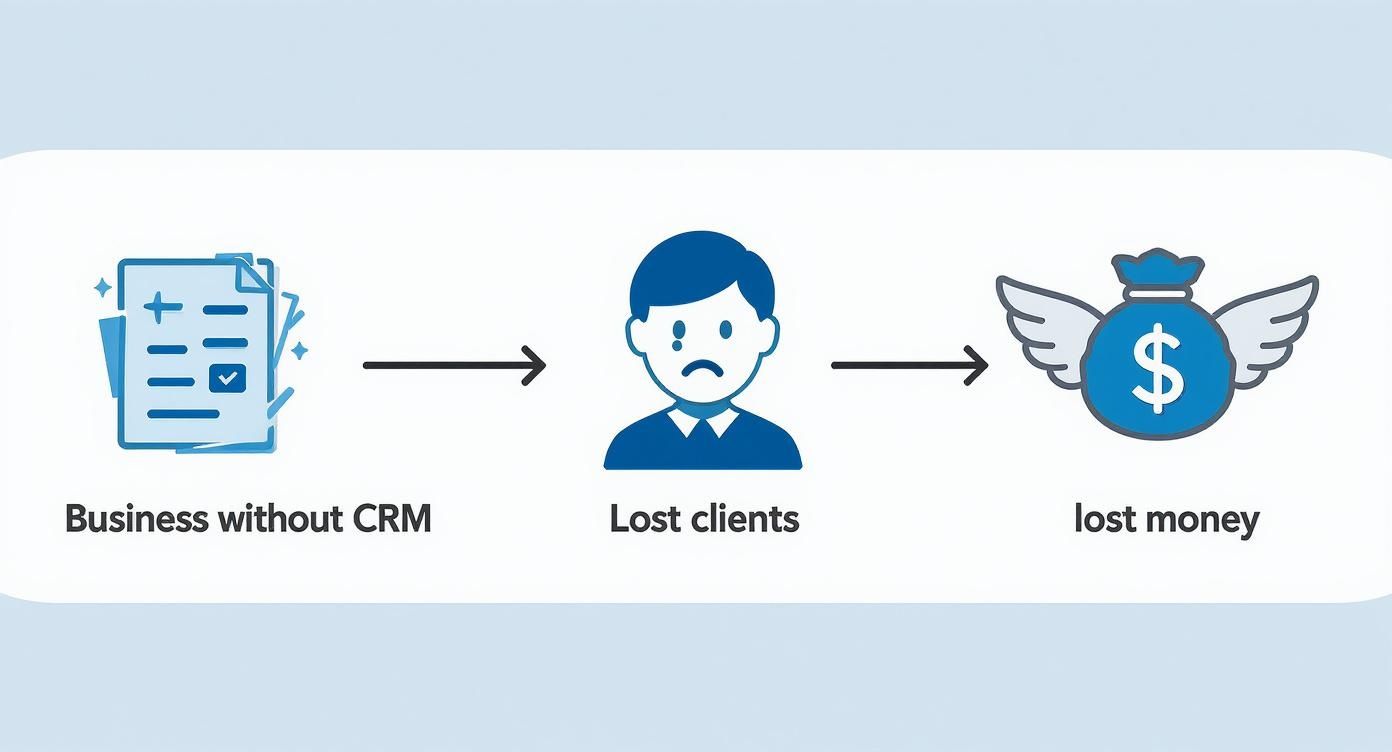
As you can see, disorganized data inevitably leads to lost clients—and direct financial losses.
Custom development as an investment in the future
The other path is custom CRM development. Think of it like building your own house: you invest once to create a product that 100% matches your needs, and you own it outright. This suits businesses with unique processes, ambitious scaling plans, or those who don’t want dependency on third‑party services.
At Moveiton, we build such unique CRM and ERP systems. Our key advantage is we don’t code from scratch every time. Each project is based on our in‑house platform—CMF Atom.
CMF (Content Management Framework) is a flexible framework—a professional toolbox that lets you quickly and efficiently build complex systems with any functionality. It isn’t a ready app but a solid foundation for your ideal digital tool.
Using CMF Atom accelerates and reduces development costs because core modules (user management, security, action logging) are already built and time‑tested.
Comparing SaaS CRM and custom development
To make the choice easier, let’s look at the key differences between renting a ready solution and building your own.
This table visualizes the differences, helping you make an informed decision for your business.
| Criterion | Ready SaaS CRMs (e.g., KeyCRM) | Custom CRM on CMF Atom |
|---|---|---|
| Ownership | You rent the software. You don’t own it. | You own the software 100%. |
| Payments | Monthly subscription that grows with your team size. | One‑time investment in development. No monthly fees. |
| Flexibility | Limited to what the vendor provides. | Unlimited. Any feature or integration on demand. |
| Scalability | Depends on the vendor’s roadmap. Can feel “cramped.” | Grows with your business without limits. |
| Data security | Data stored on the provider’s servers. | Full control. Data stored on your server. |
| Independence | You’re “tied” to a single provider. | Full freedom. Any PHP developer can support it. |
As you can see, the choice depends on your long‑term strategy. SaaS means a quick start and simplicity; custom development is an investment in independence, flexibility, and security.
Freedom and control with CMF Atom
An important point is the technology behind our platform. CMF Atom is built on Codeigniter 4, a popular open‑source framework. What does this give you as a client?
- No vendor lock‑in. Since it’s open source, any qualified developer can maintain and evolve your system later—even without our agency. You’re not forced to come only to us, which gives full freedom.
- Unlimited scalability. Unlike SaaS solutions like KeyCRM, KeepinCRM, or Creatio, where you hit a ceiling, a custom CRM on CMF Atom grows with you. Need a new integration, unique report, or a complex automation module? It’s easy to implement at any stage.
- Full control over data. Your CRM is hosted on your server. That means you control access to commercial information and aren’t dependent on another company’s stability or policies. By the way, if you need development help, we also build turnkey websites that integrate perfectly with your future CRM.
Financial model and security
The key difference with custom development is the finances. You pay once to create a unique product that becomes your asset. No monthly payments draining your budget for years, unlike most ready CRMs. It’s a one‑time investment in a bespoke solution that pays off quickly, especially for teams of 5–10+ employees.
Security deserves special mention. We have extensive experience with the banking sector, where data protection requirements are among the strictest. We built that experience into CMF Atom’s architecture. The system provides maximum security by default since security is one of our top priorities.
In the end, choosing between SaaS and custom development is choosing between short‑term convenience and long‑term strategic advantage.
How we build a unique CRM for you on CMF Atom
When a small business is ready for a CRM, a classic dilemma arises: take an off‑the‑shelf solution or invest in something unique? The first option is like buying a mass‑market suit: it may fit okay but won’t be perfect. Our approach at Moveiton is the second—a tailored suit made to your business’s exact measurements.
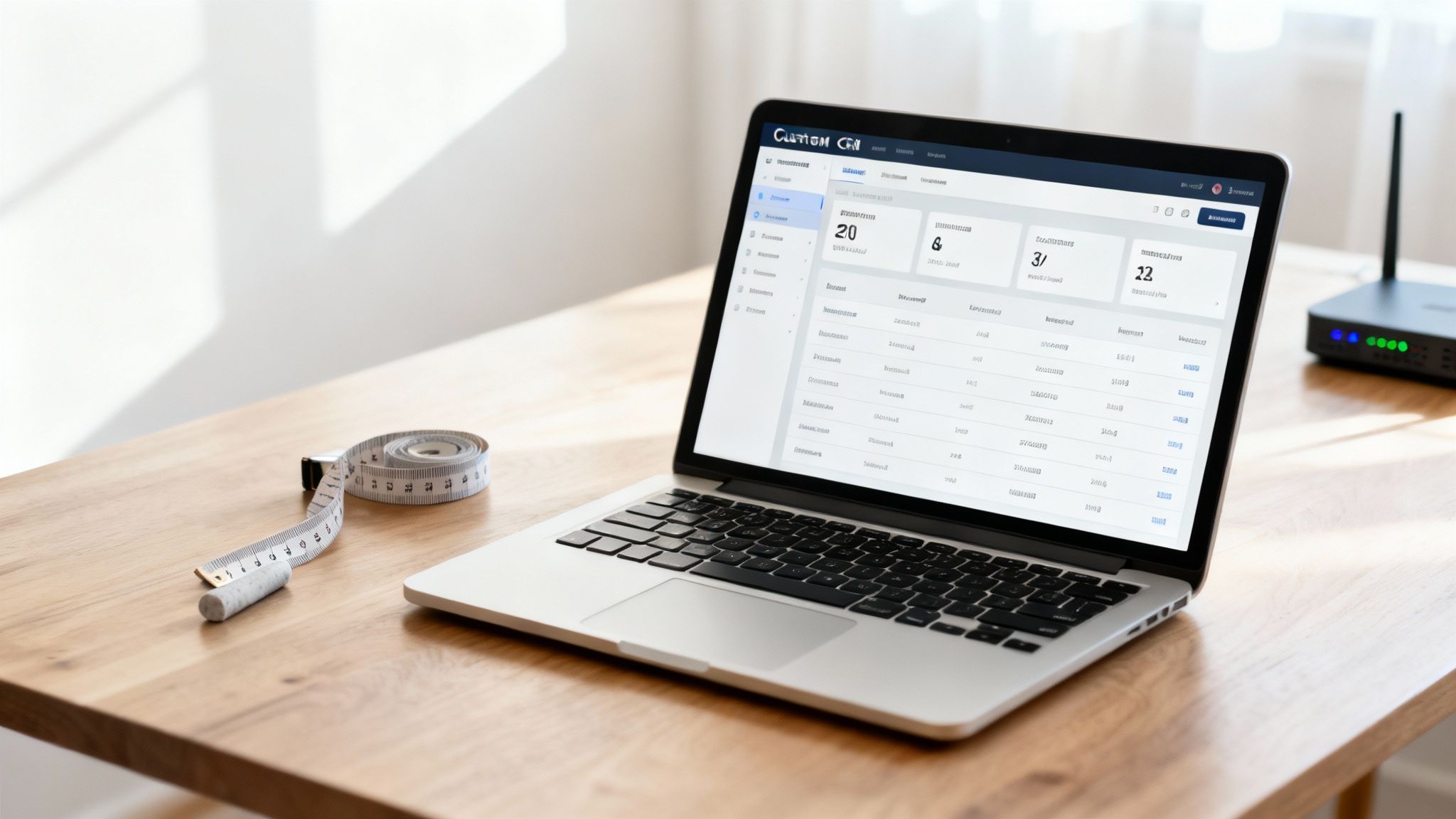
CMF Atom is our foundation. We build turnkey CRM and ERP systems with the functionality you need. We don’t just sell software—we craft a solution that fits your processes instead of breaking them.
What a CMF is and why it’s your advantage
CMF stands for Content Management Framework—a powerful, flexible “frame” for building complex web apps like CRMs or even ERPs.
Unlike ready platforms that constrain you with existing features, a CMF gives us the freedom to compose any capabilities. Think of a professional LEGO set: we have reliable, time‑tested “bricks” to assemble anything—from a simple customer database to a full platform automating the entire company.
CMF Atom is your freedom from limitations. Instead of forcing the business to adapt to a CRM, we build a CRM that adapts to your business.
This approach gives you a CRM for small business that solves your specific tasks—without saddling you with dozens of useless features you silently pay for in SaaS services.
Tech freedom with zero lock‑in
A core advantage of our approach is transparency and independence for you. CMF Atom is built on the widely used and reliable CodeIgniter 4 platform with open source code.
What this means in practice:
- No dependency on us. After delivery, you’re not “chained” to our agency. Any developer familiar with CodeIgniter can support, update, and extend your system.
- Talent availability. CodeIgniter is common—finding developers is easy, unlike rare or closed proprietary technologies.
- Transparency and reliability. Open code reviewed by thousands worldwide ensures stability and security.
This is very different from SaaS, where you depend entirely on one provider’s policies, pricing, and technical capabilities.
Endless room to grow
Small businesses evolve quickly, and needs change. What’s relevant today may be a bottleneck tomorrow. Ready systems like KeyCRM, KeepinCRM, or Creatio come with a fixed feature set. If you need a unique integration or specific report, you might wait years—or never get it.
With an Atom‑based CRM, that problem doesn’t exist. Your system grows and evolves with your company.
- Add any functionality. Need a new shipping integration, advanced analytics, or automation for a unique internal process? Implement it at any time.
- Limitless scalability. The architecture is designed for growth, easily handling more users, clients, and operations.
Our goal is to give you a tool that won’t feel “tight” in a year or two. Explore examples of unique solutions we’ve delivered in our web project portfolio.
Your property with no monthly fees
The key financial advantage of custom development is the payment model. You make a one‑time investment to create a product that becomes your asset.
Unlike SaaS, there are no recurring monthly or yearly payments draining your budget. You pay once for a solution tailored to your business. Over the long term, it’s much more cost‑effective.
Moreover, your CRM is hosted on your own server. You retain full control over your data, ensuring that confidential information about customers and deals belongs only to you.
Bank‑grade security
When it comes to commercial information, security isn’t optional—it’s essential. We have substantial experience with the banking industry, where data protection requirements are among the strictest.
We embedded this experience into CMF Atom’s architecture. The platform includes multi‑layer defenses by default: data encryption, SQL injection protection, role‑based access control, and more. Rest assured—your customer base and financial information are well protected against external threats.
How to define business needs before choosing a CRM
Choosing a CRM for small business is like buying a professional tool. For it to help rather than gather dust, you must clearly understand what tasks it will solve. Buying a CRM just because “everyone does it” is a reliable way to waste budget and get disappointed. So before reading rankings, conduct a brief but honest audit of your processes.
This is arguably the most important step. Here you lay the foundation for your future choice. The right questions show where your business “leaks”—losing money, time, and customers. Then you’ll look not for just any CRM but for the tool that fixes your specific “hole.”
Auditing internal processes
To uncover true needs, ask yourself and your team a few direct questions. Do this with those who work with clients daily—your sales reps or consultants.
- Where do deals most often “stall”? Review your sales funnel. Do clients disappear after receiving a proposal? Do reps forget to follow up after first contact? You must know.
- What customer information is constantly lost? Small things like past order details, personal preferences, and support history. If you must dig through messengers and notebooks to resume a conversation, that’s a red flag.
- How much time do reps spend on routine? Estimate weekly hours for copying data, building reports, sending templates, or issuing invoices. That time could be spent talking to customers and selling.
- How do you measure performance? Can you tell within a minute which rep earns the most or which campaign performs best? If the answer is “no” or “hard to calculate,” you urgently need analytics.
These answers become your compass in the CRM world. You’ll see not just a feature list but concrete solutions to your problems.
Defining the key features list
Once pain points are clear, turn them into system requirements. Don’t chase everything at once. Start by selecting 3–5 top‑priority features that will deliver maximum impact now.
Here’s a basic checklist you can adapt:
- Contact management: A single database showing each customer’s full communication history at a glance.
- Sales funnel: A visual board of all deals by stage—instantly highlighting what’s fine and what needs attention.
- Task automation: The system can set reminders, send confirmation emails, or create tasks automatically after a lead is captured.
- Integrations: Do you need the CRM to “talk” to telephony, your website, email, or messengers? This is critical for making the CRM your business control center.
- Analytics and reports: Build sales, rep performance, and channel effectiveness reports in a few clicks.
By the way, website integration is one of the most popular requirements. It sends web‑form leads directly to the CRM so none are lost. If you’re only planning a website, think early about future integration. For cost drivers in development, see our article on how much a website costs.
Clearly defined requirements are already 50% of CRM success. They save time and money and ensure you get a system that actually works—not one that exists “for show.”
In Ukraine, small businesses are increasingly adopting CRMs. Stats show about 50% of companies with up to 10 employees already use them, and among teams of 11+, adoption reaches 91%. Interestingly, 65% of companies begin automation within their first five years. This indicates entrepreneurs value digital tools early. Learn more about market trends in this CRM research. These figures underscore that defining needs correctly is key to successful automation.
Common mistakes when implementing a CRM
Even the best CRM for small business won’t help if the team ignores it and company processes resemble chaos. Implementing a CRM isn’t just installing software—it’s a shift in how you work. Many companies get “burned” by repeating the same mistakes.
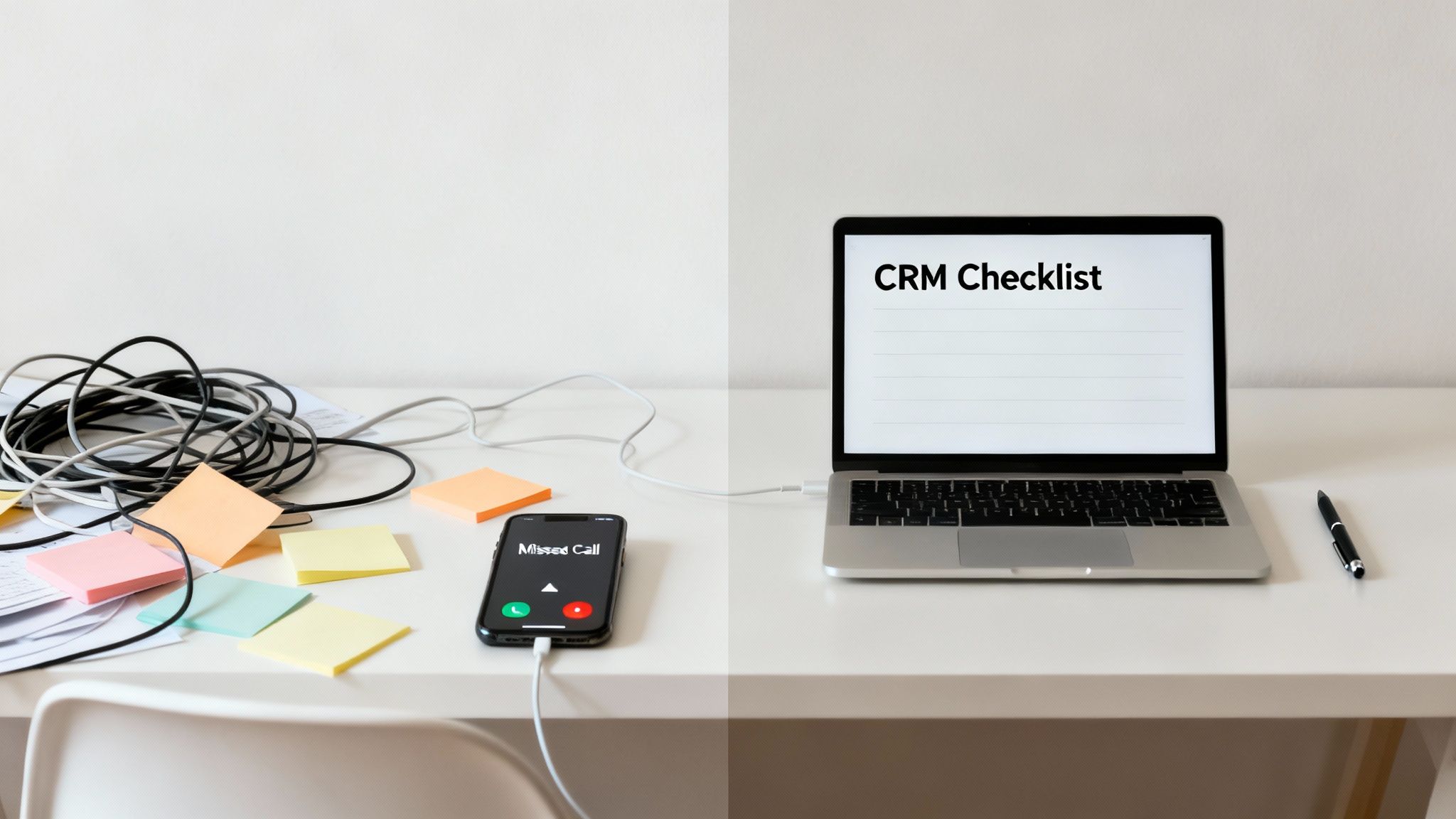
Let’s cover the most common pitfalls. Knowing them helps you avoid problems and make implementation as smooth and effective as possible.
Trying to automate chaos
Perhaps the deadliest mistake is implementing a CRM without documented processes. If every rep handles clients their own way and there are no unified rules, the system will amplify the disorder.
A CRM doesn’t create processes from scratch—it systematizes and improves them.
Before installing any software, answer honestly: “How exactly do we sell?”. Map each funnel step, define owners, and specify criteria for stage transitions. Only then bring this logic into the CRM.
Ignoring training and team buy‑in
People dislike change. If your staff used Excel for years, a new tool will seem like needless complexity. Without proper training and a clear explanation of benefits, they’ll sabotage the rollout: enter sloppy data or keep parallel spreadsheets “just in case.”
What to do?
- Involve the team in selection. Talk to them, show a few demos, ask which tools they lack. People embrace what they helped choose.
- Appoint an owner. You need a project leader—the internal “CRM ambassador.” They’ll train colleagues, field questions, and monitor data quality.
- Show personal benefits. Demonstrate how the system removes drudgery, prevents missed calls, and helps them earn more. Personal value kills resistance.
Choosing “what everyone else uses”
Every business is unique. A CRM that’s perfect for an online store can be useless for a consulting agency. Blindly copying competitors or picking the most popular system leads to disappointment and wasted money.
Always start from your audited needs. Maybe you don’t need 100 hyped features—maybe you need five, perfectly tailored to your tasks.
Expecting instant miracles
A CRM isn’t a magic wand. It won’t generate millions the day after installation. Expect weeks or months for team adoption, process fine‑tuning, and data population. It’s a marathon, not a sprint.
The best strategy is to start small. Roll out gradually: first basic contacts and deals, then task automation, and only after that advanced integrations and analytics. This phased approach minimizes stress and costly mistakes while maximizing long‑term ROI.
FAQ about choosing a CRM
We’ve compiled answers to the questions entrepreneurs most often ask when choosing a CRM. We hope these concise explanations clear doubts and help you decide—from cost to ongoing support.
How much does custom CRM development cost?
The cost of a bespoke CRM for small business always depends on your needs, but the simplest CRM starts from $2000 according to our pricing. There’s no fixed subscription like SaaS tools with standard features. Instead, you invest once in a tool built for your processes.
At Moveiton, we don’t build every project from scratch. Our in‑house platform—CMF Atom—is the foundation.
CMF (Content Management Framework) isn’t a ready app but a professional “constructor” of vetted modules. It lets us assemble the system you need quickly—saving time and money.
The result is an asset you own—without any recurring monthly payments in the future.
Can I evolve the system without you?
Absolutely—that’s a core advantage of our model. CMF Atom is built on the popular open‑source framework Codeigniter 4.
What this means: you’re not locked into our company. After launch, any qualified PHP developer can maintain the system, add features, and make changes. You get full freedom and independence—unlike closed SaaS systems like KeyCRM or Creatio.
What’s the advantage over SaaS systems?
The main difference is freedom and ownership. SaaS offers a standard toolkit, and if you need something unique, adding it is often impossible—forcing your business to adapt to the software’s limits.
With custom development, it’s the opposite:
- Any functionality: We can implement any feature, integration, or report your business needs.
- No subscriptions: You pay once for development, not monthly to “rent” someone else’s service.
- Full control: The system runs on your server, and only you control your data.
This is especially valuable for growth‑oriented companies. Your CRM evolves with you instead of holding you back.
Timelines for development and implementation?
Time depends on complexity. A simple system with contact management and a sales funnel can go live within a few months. Complex integrations or automation modules require more time.
We always start with a thorough process analysis and a clear specification. That lets us estimate timelines and budget accurately before work begins—keeping the process transparent.
How secure is data in such a system?
Security is our priority. We have many years of banking experience, where data protection standards are among the strictest. We’ve embedded this into CMF Atom’s architecture.
The platform includes multi‑layer protection against external attacks, data encryption, and granular access controls. And since your CRM is hosted on your server, you retain full control of commercial information—making it far more reliable than cloud services where your data physically resides on third‑party servers.
Looking for a partner to build a unique CRM that helps your business grow? The Moveiton Web Studio team is ready to analyze your needs and propose an effective solution that will work for years. Learn more at moveiton.net.