
 Telegram
Let's be honest: these days, a business without its own website is almost invisible. It has long since ceased to be just a digital business card and has become a full-fledged tool that brings in customers and, ultimately, generates profit. Creating a website is not magic, but a clear, thought-out process that starts with a solid foundation: understanding goals, audience, and competitors.
Why a Website is Your Business's Main Asset Online
Imagine your business is a cozy coffee shop. Without a sign or an address, no one will find it. It's the same on the Internet: a website is your official online address, a central hub where customers flow from advertising, social media, and search.
Yes, social media is great, but it's like a rented space with rules that change every day. In contrast, your own website gives you full control over everything: brand, content, and most importantly, your customers' data.
In Ukraine, this is not just a trend, but a necessity. At the beginning of 2025, there are approximately 31.5 million internet users in the country — that's 82.4% of the population. Simply put, four out of five Ukrainians can become your customers online.
Defining Website Goals
Before choosing colors or fonts, answer a key question: why do you need a website? A specific goal will dictate its structure, functionality, and content.
- Sell products? Then you need a convenient online store with a catalog, a shopping cart, and online payment.
- Receive leads? If you work in B2B or provide services, the main goal will be collecting contacts through forms, online consultations, or quote requests.
- Strengthen the brand? For a local business (coffee shop, beauty salon), the site works for the atmosphere: it shows the menu, portfolio, reviews, and attracts offline visitors.
- Share information? For consultants, educational projects, or media, the site serves as a platform for publishing expert materials that build trust.
A clearly formulated goal is your internal compass. If you set a goal to "increase sales by 20% through the online channel," then every element of the site — from the text on a button to a blog article — must work to achieve it.
Audience and Competitor Analysis
Trying to create a website "for everyone" is a direct path to ensuring it pleases no one. You need to have a clear idea of who you are working for. Create a portrait of the ideal customer: who is this person, where do they live, what problems do they face, and exactly how will your product help solve them. This will allow you to speak to the audience in the same language.
It is equally important to look closely at your competitors. Go to their sites and analyze:
- What do they do well, and where do they clearly fall short?
- What functions do they offer? Is there a calculator, online booking, or a personal account?
- How do they communicate with customers? What tone do they use?
This analysis is not meant for blind copying, but to find opportunities for yourself. Perhaps their sites are slow or inconvenient on smartphones. Or they don't provide answers to key customer questions. Any of their weaknesses is your potential advantage that you can incorporate into your future project.
What to Build a Website On: Choosing Technologies
Once you have a clear vision of why your business needs a website, it's time to deal with the technical side — the tools. This decision is, without exaggeration, fundamental, because the budget, launch speed, and, most importantly, opportunities for future growth depend on it. Choosing technologies is not about trendy frameworks, but about what best handles your specific tasks.
And it's worth starting with the format. Agree, the tools for a simple business card page and a large marketplace will be cardinally different.
What Type of Website Does Your Business Need
There is no universal pill here. Each type of website is tailored to a specific purpose and has its own time-tested structure.
- Landing Page. This is a "sniper" site consisting of one page. Its task is to hit one specific target: get the user to leave a request, subscribe to a newsletter, or buy a product on sale. Ideal for testing demand for a new product or quickly gathering contacts for a webinar.
- Corporate Website. A full-fledged online representation of your company. Everything is serious here: information about services, history, team, cases, and contacts. The main goal is to build trust, strengthen the image, and give comprehensive information to partners and clients who are already looking for you.
- Online Store. This is already a complex mechanism for direct online sales. Its integral parts are a catalog, product cards, a shopping cart, integration with payment systems, and a buyer's personal account.
Decided? Great. The choice of platform we will build everything on directly depends on this selection.
CMS or Custom Development: What to Choose
We've come to the main crossroads every business owner faces. The choice between a ready-made "box" (CMS) and individual development from scratch is a key decision that will determine the flexibility, cost, and speed of your project.
CMS (Content Management System) — is, essentially, a ready-made builder with a set of templates and plugins. It allows you to create and manage sites without diving deep into code. The most famous players in this field are WordPress and Joomla. Imagine you are building a house from ready-made modules: it's fast, relatively inexpensive, but you are limited by the blocks that are available.
When is a CMS your option? If you need a typical blog, a simple corporate site, or a small store with standard functionality, and the budget and time are very limited, a CMS will be a smart choice.
Custom Development — is when a site is created from a blank sheet. Every design element, every button, and every function is written by programmers specifically for your unique requirements. Continuing the house analogy, this is construction according to an individual architectural project. Yes, it takes longer and costs more, but as a result, you get exactly what you envisioned without any compromises.
This approach provides maximum performance, security, and flexibility for future development. If you are planning a complex service, a portal with high traffic, or simply want to implement unique business logic that is not available in ready-made solutions, individual development will be the only correct path.
To make it easier for you to weigh all the pros and cons, we have prepared a small comparative table.
Comparison of CMS and Custom Development for Your Business
This table will help you visually compare key aspects of choosing between a ready-made CMS (e.g., WordPress) and individual development to make the right decision for your project.
| Criterion | Ready-made CMS (WordPress, Tilda) | Custom Development |
|---|---|---|
| Launch Speed | Very high (from a few days to a few weeks) | Slower (from several months) |
| Cost | Low or medium | High |
| Flexibility | Limited by templates and plugins | Maximum, any functionality |
| Performance | Medium, may decrease due to plugins | High, optimized for specific tasks |
| Security | Depends on plugins and timely updates | High, as the code is unique |
| Support | Requires self-monitoring of updates | Provided by a development team |
As you can see, both approaches have their merits. The main thing is to soberly assess your needs and resources.
In Ukraine, the demand for professional web solutions has been growing noticeably in recent years. According to experts, in 2025 about 60% of small and medium-sized enterprises have their own websites, which is 15% more than in previous years. This, in turn, stimulates the development of a market where approximately 70% of new sites are immediately created with an orientation toward mobile traffic.
The Website Creation Process: From Foundation to Furniture
Once the strategy is ready and the technology stack is chosen, the most interesting part begins — turning an idea into a real, working website. I often compare this stage to building a house: first we lay the foundation (domain and hosting), then we build the walls (design and structure), and finally we handle the interior (content). And here, as in construction, every step matters.
Before a designer picks up a pencil or stylus, and a programmer reaches for the keyboard, two fundamental technical questions must be resolved. These are the address and the plot for your future online office.
Foundation: Domain and Hosting
Domain Name — is the unique address of your site on the internet, for example, moveiton.net. This is not just a technical string, but the first point of contact with the brand, so the choice should be taken seriously.
A few practical tips:
- Simplicity and ease. The name should be easy to dictate over the phone and easy to remember. It's better to avoid complex abbreviations, hyphens, and numbers unless they are part of your brand.
- Brand association. Ideally, the domain is the name of your company. If that option is taken, you can try adding a keyword describing your activity (
kyivbudservice.com). - Correct domain zone. For a business focused on Ukraine, the best choice is the
.uaand.com.uazones. They immediately signal your location to users and inspire more trust.
Hosting — is, essentially, renting space on a server where all your website files will live. If the domain is the address, then hosting is the land and utilities. It's not worth skimping here. Slow hosting can void all your investments in design and SEO. After all, according to statistics, 53% of mobile users simply close a tab if a site takes longer than three seconds to load.
Walls and Facade: Designing UX/UI
Once the technical basis is laid, it's time for visualization. Here it's important to distinguish between two key concepts: UX and UI.
UX (User Experience) — is about logic, convenience, and intuitiveness. The goal of a UX designer is to project the user's path so they can easily achieve their goal: find a product, order a service, read an article. This is the invisible but extremely important framework of your site.
UI (User Interface) — is what we see with our eyes: buttons, colors, fonts, icons. This is the visual shell, which should be not only attractive but also functional. Successful UI helps the user navigate rather than distracting them.
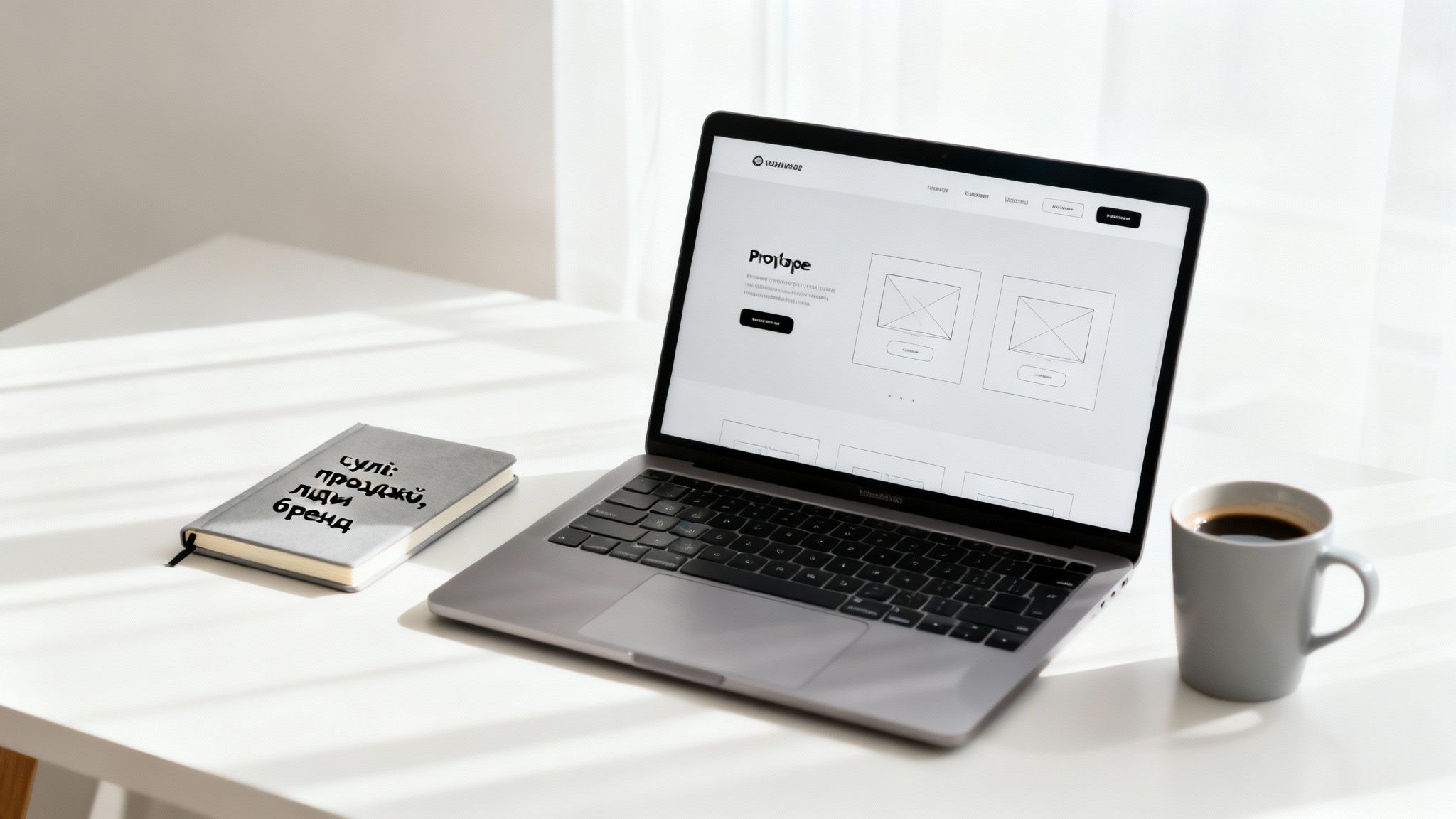
Design work doesn't start with bright pictures, but with a prototype. This is a schematic "blueprint" of the site showing where all key blocks and elements will be located. A prototype allows you to agree on all logic before hours are spent on design and development. This saves both time and money.
Good design is invisible. The user shouldn't have to think about where to click. They just do it. If a visitor has to make an effort to find the right button, you will most likely lose them.
At this same stage, a design system is created — a kind of set of rules (color palette, typography, button styles) that ensures the visual integrity of the entire project.
Interior: Filling with Quality Content
Content is king. It is what people come to your site for. The most beautiful design and the fastest server won't keep a visitor if the information is boring, irrelevant, or written in "officialese."
Working with content is a comprehensive process:
- Texts. They shouldn't just be error-free; they must fulfill business tasks: sell, persuade, explain. It's important to speak the language of your audience, simply and clearly.
- Visual materials. High-quality photos and videos are a powerful tool for increasing trust. Show real photos of products, the work process, and video testimonials from clients. Uniqueness here is much more valuable than perfect but soulless stock images.
- SEO optimization. Every text on the site should be created taking into account the key queries of your audience. This isn't about mechanical "keyword stuffing," but about their organic integration into headings and text so that it is useful for both people and search robots.
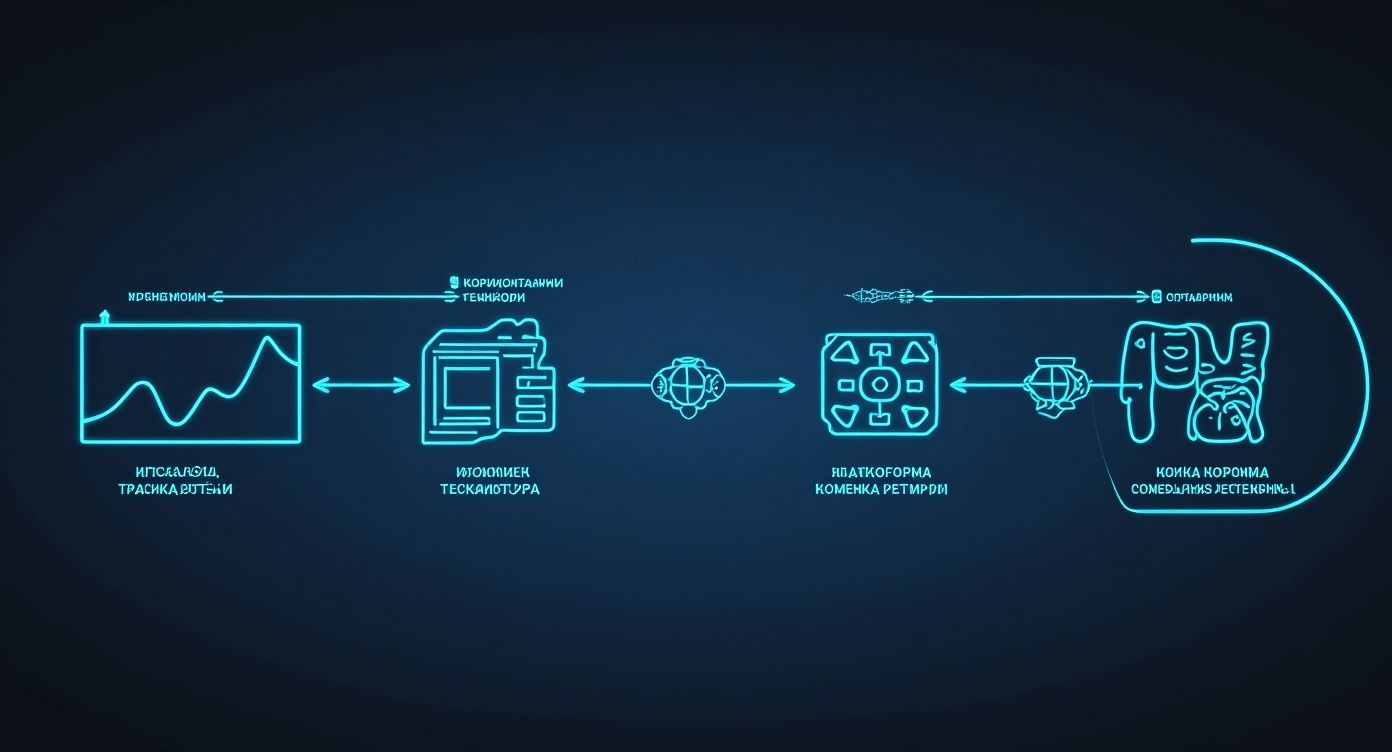
This diagram illustrates well that choosing a technology platform is a central decision that determines the possibilities for further work with design and content.
When design layouts are approved and content is ready, the magic begins — development. This is the stage where the visual concept turns into an interactive, live website. Programmers write the code that makes it all work.
For example, in our studio Moveiton, we often use our own development — CMF (Content Management Framework) Atom. It contains ready-made, time-tested modules, such as a "page manager" for simple content editing or "lead tracking" for tracking applications. This allows us to speed up the development process and give the client a system that is much simpler to manage than bulky CMS and is securely protected.
Furthermore, CMF Atom is built on the popular CodeIgniter 4 framework. This gives the client complete freedom — in the future, the site can be supported by any qualified developer, not just our team. This approach makes the process not only faster but also more flexible in the long run.
Preparing the Site for Launch: SEO Foundation and Final Checks
So, the code is written, the design is approved. It would seem you could exhale and press the "Publish" button. Но don't rush. Launching a site without careful preparation is like sending a ship to sea with a hole in its hull. This final push before release ensures that your project will be not only beautiful but also functional, fast, and most importantly, visible to search engines.
Today in Ukraine, it's impossible to create a successful website while ignoring user expectations and search engine requirements. Technical optimization is no longer an optional service, but an absolute must-have. Statistics speak for themselves: 82% of Ukrainians look for products and services specifically through Google, and 47% of business website owners get significantly more repeat sales than those who rely solely on social networks.
Basics of Internal SEO Optimization
Search engine optimization, or SEO, is a long game. It's a marathon, not a sprint. However, the foundation for future victories is laid even before the first visitor sees the site. Here are the basic settings that will help Google immediately understand what your resource is about and who it's for.
- Human-readable URLs. Each page should have a clear, short address containing a keyword. For example,
yoursite.com/services/seo-promotionis much more informative for people and robots than something likeyoursite.com/p_id=123. - Meta tags: your business card in Google. These are the titles (
Title) and descriptions (Description) that users see in search results. Each page must have unique, clear, and attractive meta tags that motivate a click. - Heading Hierarchy (H1-H6). It's simple: H1 is the main heading of the page, and there should be only one. Then come subheadings H2, H3, and so on. They structure the text, making it easier for both people and search robots to read.
- Optimized Images. All photos and illustrations should be compressed so they don't slow down the site's loading. And don't forget the
altattribute — this is a text description of the image that explains its content to search engines.
By following these steps, you create a solid foundation. When the time comes to actively engage in promotion, you won't have to waste time fixing elementary technical errors. If you want to dive deeper into the topic, we recommend our material on what a SEO audit of a website is and why it's needed.
Pre-launch Testing: Catching Bugs Before Release
Before solemnly cutting the digital ribbon, everything needs to be carefully checked. This will help find and fix errors that could completely ruin your customers' first impression.
Imagine opening a restaurant. You wouldn't invite guests until you've made sure the lights work, the dishes are tasty, and the waiters know the menu, right? Testing a website is the same thing, just in the digital world.
Create a simple checklist for yourself so you don't miss anything.
Pre-launch Checklist:
- Clickability of everything. Go through all the buttons, fill out and send all the forms, test search and filters. Make sure every element works as you expected.
- Responsiveness. Open the site on a computer, a tablet, and several smartphones with different screen sizes. Does everything look good? Is it easy to use on a small screen?
- Cross-browser compatibility. Check how your site looks in popular browsers: Google Chrome, Safari, Firefox. Sometimes the layout can "break" in one of them.
- Loading Speed. Run a test in Google PageSpeed Insights. If the scores are in the red zone, that's a warning bell. It's time to optimize images or code.
- Content and Contacts. Proofread the texts for errors and typos. Check if all links lead where they should and if phone numbers and addresses are correct.
Spending a few hours on such testing will save you nerves, money, and reputation in the future. Only when you are sure everything works like a Swiss watch can you safely open the site to the whole world.
Life After Launch: Support and Promotion
Many think that work on a website ends as soon as it appears on the web. In fact, this is just the starting gunshot. A successful launch is the beginning of a long but exciting marathon where the main tasks become maintaining stable operation and attracting target traffic.
Imagine you've opened a great store. But if no one knows about it and the doors occasionally jam, there won't be any buyers. It's exactly the same story with a website: without constant attention, it will quickly turn into a digital monument rather than a working tool for business.

Technical Support and Security
The first and most important aspect is the "health" of your website. Technical support is not some optional extra, but a necessity that guarantees stability and security. It usually includes several key areas.
- Regular Updates. Technologies don't stand still. CMS cores, plugins, and themes are constantly updated to close vulnerabilities and add new functionality. Ignoring these updates is a direct path to the site being hacked.
- Backups. Something can always go wrong: a server failure, an error during an update, or a hacker attack. Regular backups are your insurance policy that will allow you to quickly restore the site to a working state.
- Availability Monitoring. Your site must work 24/7. Special services allow you to track its availability and notify you instantly if it suddenly "goes down."
Launching a website without a plan for its further support is like buying a car and never visiting a service station. Sooner or later, it will just stop running.
Marketing and Traffic Acquisition
Once the technical side is under control, it's time to do the most interesting part — attracting visitors. After all, they are the ones who turn into your customers.
There are several main channels you can start with:
- SEO (Search Engine Optimization). This is systematic work on making your site rank high in Google for key queries. Yes, it's a long-term investment, but it brings the highest quality and most stable flow of customers.
- Contextual Advertising (PPC). These are paid ads seen by users who are already looking for your products or services. A great way to get your first customers immediately after launch.
- Content Marketing. Creating useful content (blog articles, videos, research) attracts an audience and builds trust in your brand. People come for answers and stay with you.
- SMM (Social Media Marketing). This is work with your audience on platforms like Facebook or Instagram. It helps increase brand awareness and drive traffic to the site.
Each of these channels requires a separate strategy and resources. To understand where to start and how to effectively combine different tools, we recommend checking out our detailed guide on promoting a website from scratch to the first customers.
Analytics and Improvement
Where do visitors come from? Which pages are the most popular? Why do people leave without placing an order? To answer these questions, it's necessary to analyze data.
Google Analytics — is a free and powerful tool that should be connected to your site from day one. It allows you to track dozens of metrics: traffic sources, user behavior, conversion rate, and much more.
By analyzing this data, you can make informed decisions:
- Determine the most effective promotion channels and invest more in them.
- Find weak spots in the site structure that hinder users.
- Understand what content interests your audience the most.
It is precisely this cyclical approach — support, promotion, analysis, and improvement — that turns an ordinary website into a powerful asset that consistently generates profit for your business.
Frequently Asked Questions About Website Creation
Even the most complete instruction won't answer all the questions that arise in the process. I've gathered here answers to what business owners ask us most often. I hope this helps you clear up any final doubts and make the right decision.
Let's look at each question as another step toward understanding what a website that actually works for your business should be like.
How long will website development take?
Timing is always a painful issue that affects all planning. Realistic expectations here save a lot of misunderstanding and stress. It's simple: the duration directly depends on the complexity of the project.
Here are approximate but realistic timeframes from our practice:
- Landing Page: can be launched in literally 1–2 weeks. This is an ideal tool for quickly testing an idea or launching traffic from advertising.
- Corporate Website: usually requires 4–8 weeks. This time goes into thinking through the structure, drawing and approving the design, filling all pages, and setting up functionality.
- Online Store: development takes from 2 months and longer. Here everything depends on the number of products, integrations (payment systems, delivery services, CRM), and other specific features.
If your project requires something unique — a complex calculator, a personal account, integration with specific software — the timeframe will, of course, increase.
What budget should be set aside for website creation?
The cost can vary tenfold, and that's normal. The price is made up of several main factors: the technology everything is built on, the complexity of the design, and the scope of functionality.
Advice from experience: don't look for the cheapest solution. A too-low price tag almost always means future problems — messy code, security holes, or the inability to add or change something later.
The budget can start from a few hundred dollars for a simple site on a builder and go up to tens of thousands for a large portal with custom development. It's important to find a balance between what is needed now and where you plan to grow.
Which is better: WordPress or custom development?
This is a classic question for which there is no single right answer. The choice depends purely on your business tasks.
WordPress — is a great option for typical projects: blogs, portfolios, simple corporate sites. Its main advantages are a quick start and relatively low cost.
Custom development — is when you need maximum flexibility, speed, and enhanced security. It's the best choice for projects with unique logic, high loads, or complex integrations.
Will I be able to manage the site myself after launch?
Of course! In fact, this is one of the main goals of any modern CMS — to give you the ability to easily update information without having to bother programmers for every little thing.
You will definitely be able to independently add blog articles, change texts on pages, upload photos, or manage products. Any good team will certainly provide training for you or your employees before handing over the project so you feel confident.
Creating a website is a serious investment in your business. If you have any questions or are already ready to discuss your project, the Moveiton team is always in touch. We offer a free consultation where we'll analyze your goals and suggest the best path.
Sign up for a free consultation